
Latest Update (1.132.1)
💥 We are experience an issue with the app crashing on some iOS devices. We are investigating the issue and will update here when we have more information ℹ️ Further information is available in the following article. 🧑🔧
[UPDATE]
We recently released a hotfix in version 1.132.1 with some stability improvements to help with iOS crashes. We're still continuing to investigate the issue and making further improvements to make a smoother experience for you.
We are investigating 🔍 an issue related to the Restore Purchase button not working as intended when clicked. We will update 💬 here when we have more information regarding a fix for this issue.
Get ready to bring extra attitude to your stories, olivia rodrigo is playing in the Music Player 🎵 from May 12th through June 8th!
✨ New in 1.132:
Get ready to flex those creative muscles because the Character Creator just got a major glow-up! 💅
The team has been working behind the scenes on a series of Character Creator Improvements to make your character creation experience smoother, trendier, and way more fun.
Some of the new updates are:
- 61 updated hairstyles 💇
- Refreshed 56 outfits 👕
- A new, curated color palette 🎨
- The "No More Random" Randomizer 🎲
- 10 refreshed/changed facial details 😁
To read more and see some examples of the new features, please look at the article called Character Creator improvements are HERE! It’s time for a GLOW-UP✨
🛠️ Fixed with 1.132:
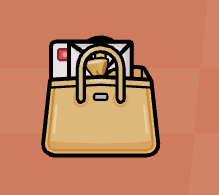
- Able to retrive stored things from the Golden Handbag 👜
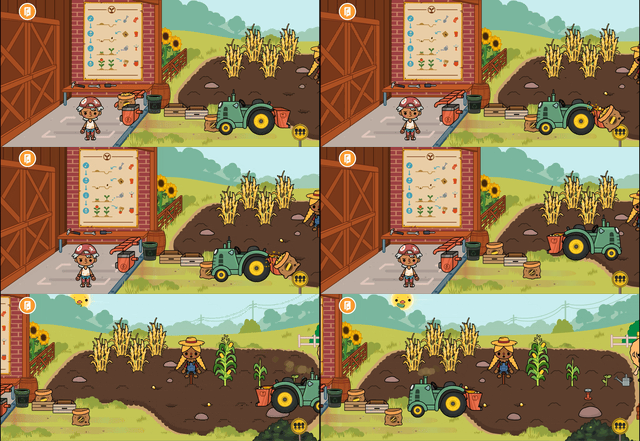
- The Tractor and it's attachments are doing their jobs and you can plant in the field again 🚜🌾
- Things hanging on the Pusheen Kitchenette hooks can be removed again 🪝
- Characters can now sit down in the chairs in the Hair Salon 🪑💇
- Hair is no longer showing through masks that should be covering it 🎭
- Game is no longer crashing if a character is running on a treadmill when exiting a Home Designer location 🏃🏠
- You can safely remove things from the oven again without experiencing a crash 🧑🍳🧁
- General bug fixes and improvements 🛠️ ✨
New in previous Update (1.131)
- olivia rodrigo playing in the Music Player
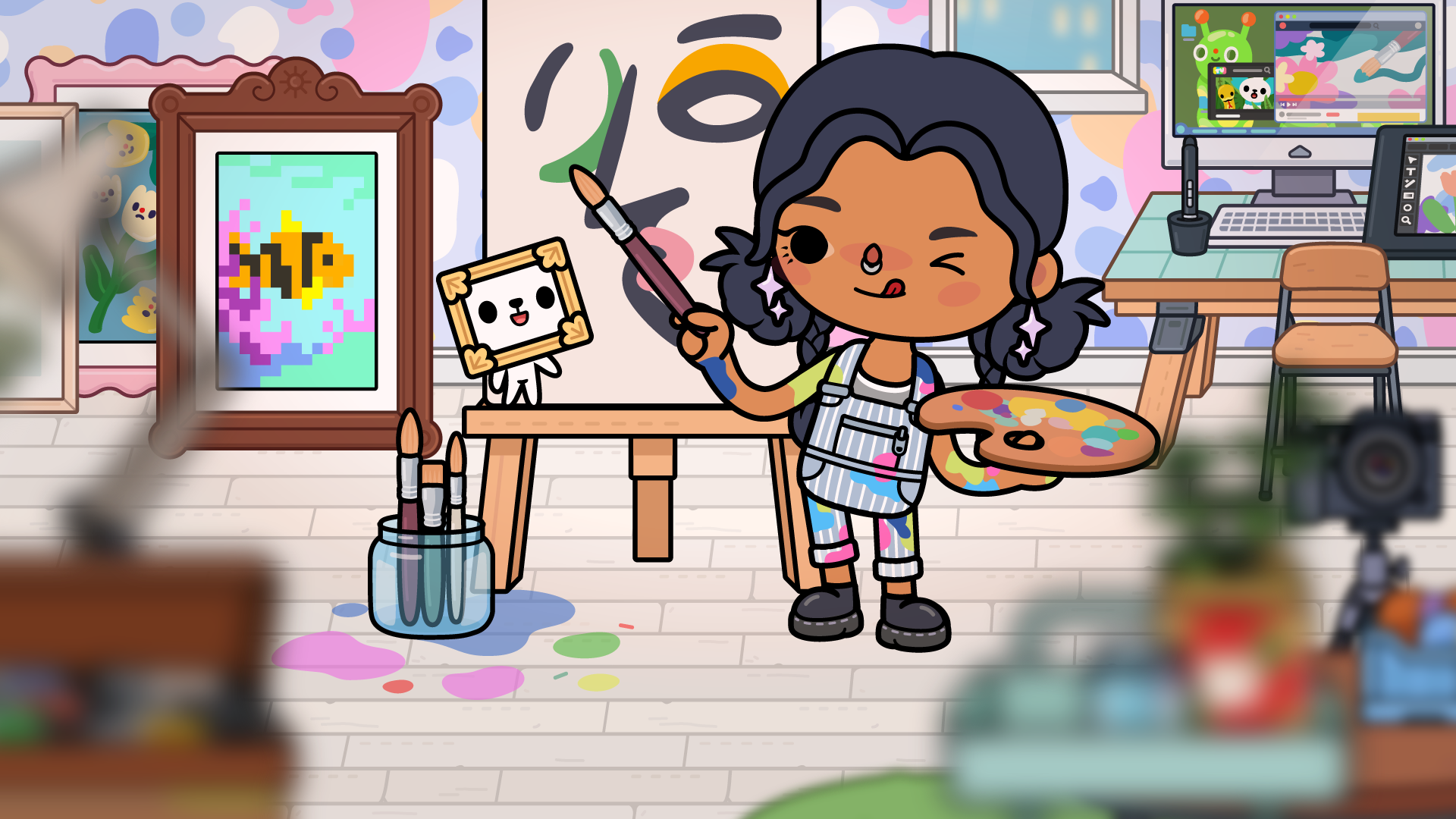
- A brand new Pixel Art Machine and frames in Home Designer for you to create and display your masterpieces!
Fixed with previous releases:
- Crash when spawning a character 🧍
- Hats & Masks can now be seen after saved in Character Creator 🎩
- Furniture no longer flickering 🛋️
- Fixed a Crash issue with the Outfit Designer 🧑🎨
- Portal crash fixed 💥
- The issue with the app crashing when a talking character 💬 gets moved to the sidewalk and then moved out of the frame is now fixed ⭐️
- Fixed with 1.131.2
- Mini-buildings showing up and crashing the game 🏠
Live bugs & current issues reported
We know it's frustrating when something unexpected of confusing happens in the game, so below is a selection of links to known live issues (we are probably hard at work fixing 🛠️) and also some current issues and general issues that players can be affected by.
We hope that they help give you some information on the status of things, but if you need any assistance you can always click "Contact Us" below any article and one of our Support team will do their best to assist you ❤️
Crash when clicking play button on iOS devices
We're aware of an issue with some players experiencing a crash when clicking the play button. This seems to be limited to players who don't have access to the shop currently. This is now fixed in update 1.130 so make sure to update to that version if you are expereince this issue.
Clicking District sign causing app to crash
We're aware of an issue with clicking the district sign causing the app to crash on 1.129. This is now fixed with the 1.129.1 update, so be sure to update to that version of the app and then you can click the sign and explore all the locations available for each district.
Bunched items in Home Designer Homes
Some players are reporting the items in their Home Designer homes all bunched and completely out of place. For more info on the possible cause of this and investigations related to this visit here
Characters Missing 🔍
Some players have reported their characters going missing. It could relate to some changes we needed to make to improve stability and you can read more about this here. If characters are not showing in the sidewalk at all, however, please reach out to our Support team by clicking "Contact Us" below.
Duplicate Post office items in homes after manually resetting
We're aware of some issues players are having with duplicate Post office items after manually resetting their game. We're investigating this issue. In the meantime, if this is occuring after you have just manually reset your game, then we would recommend a workaround of manually deleting/trashing the duplicate gifts and then resetting your game one more time as this should solve the issue. We'll be sure to update here once this issue is solved!
Character Expressions turning blush white
This time it's a bug using the Character Expressions turning blush white 😱 We're investigating this one and will be sure to fix it. In the meantime be sure to avoid using the Spooked or Frozen character expression on characters with blush on their cheeks 🥶
General Common issues
What devices can run Toca Boca World?
My Home Designer house is full!
My game just reset. What should I do?
I can't enter the shop - what should I do?
Purchase Issues / Purchased item not showing up
Restoring purchases and moving to a new device
I'm missing the gifts that I've claimed
If any of the links above don't help with your issue then please browse through our categories and other articles as there could be something to help you that isn't listed here.
If you need any further assistance for any of the above issues, then please be sure to click "Contact Us" below and one of our Support team will try and help you out!