
Live issues - for more info visit the Bug Board
ℹ️ We've identified and fixed the issue with the new Bows and Bouquets packs not showing up in the app after purchase. Make sure you restart the app and on iOS press "Restore Purchases".
The furniture pack might show up at the bottom of the Home Designer menu, so make sure you scroll all the way down and see if you find it there ⭐️
We've seen an increase of some iOS users experiencing crashes, we've released some stability improvements in the latest update(1.135) and our team is hard at work to make it an even more stable experience with future releases.
Get ready to turn it up with some serious girl power in your stories, or roleplay your own K-pop music concert with TWICE! 🎵
Latest Update (1.135)
✨ New in 1.135:
Get ready to decorate your house 🏠 and dress up 👗 for a special day with two new packs, now available in the in-game shop ✨
Bows and Bouquets Furniture Pack
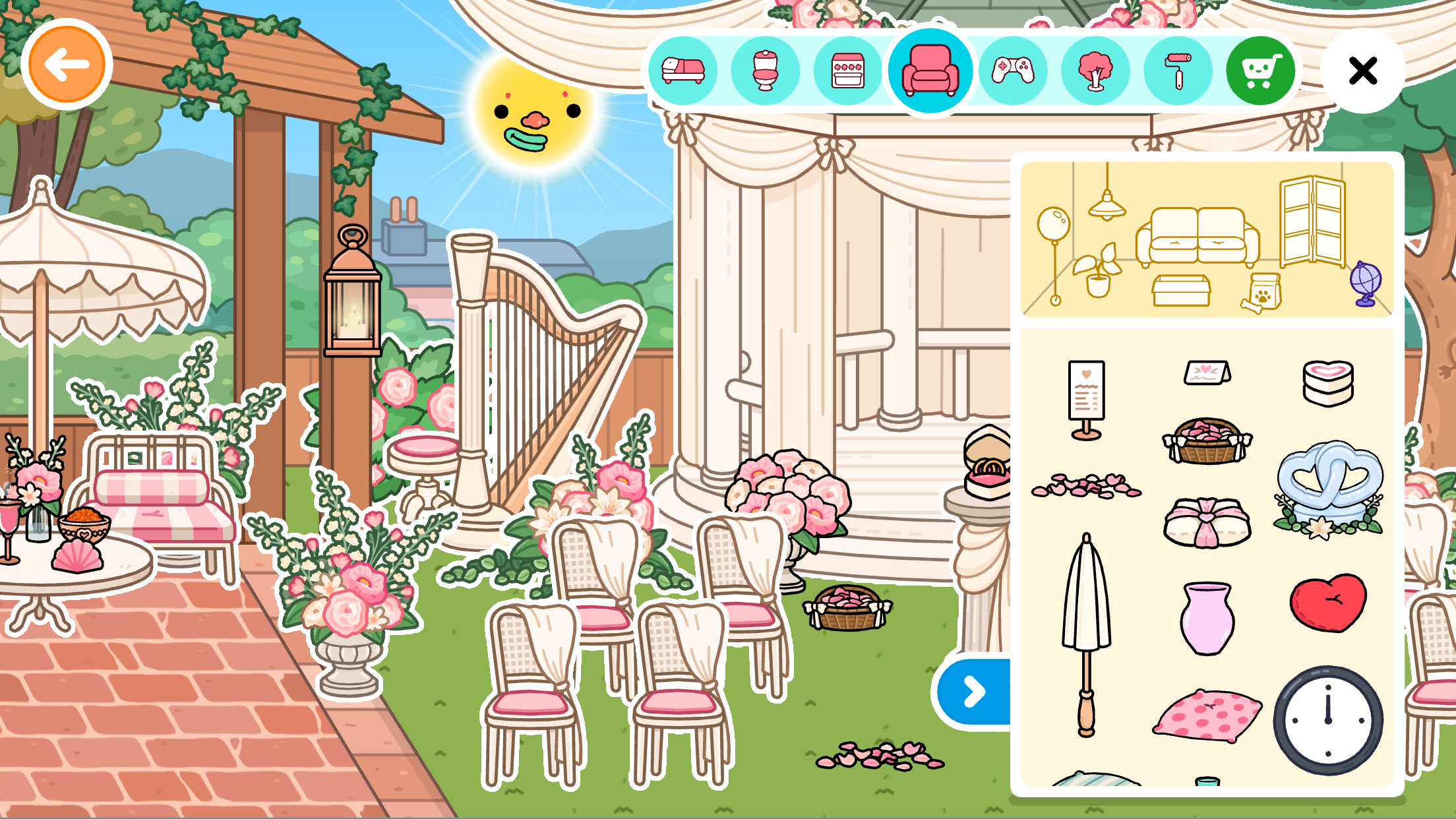
- 28 new furniture 🛋️
- 28 new decorations 🖼️
Bows and Bouquets Style Pack
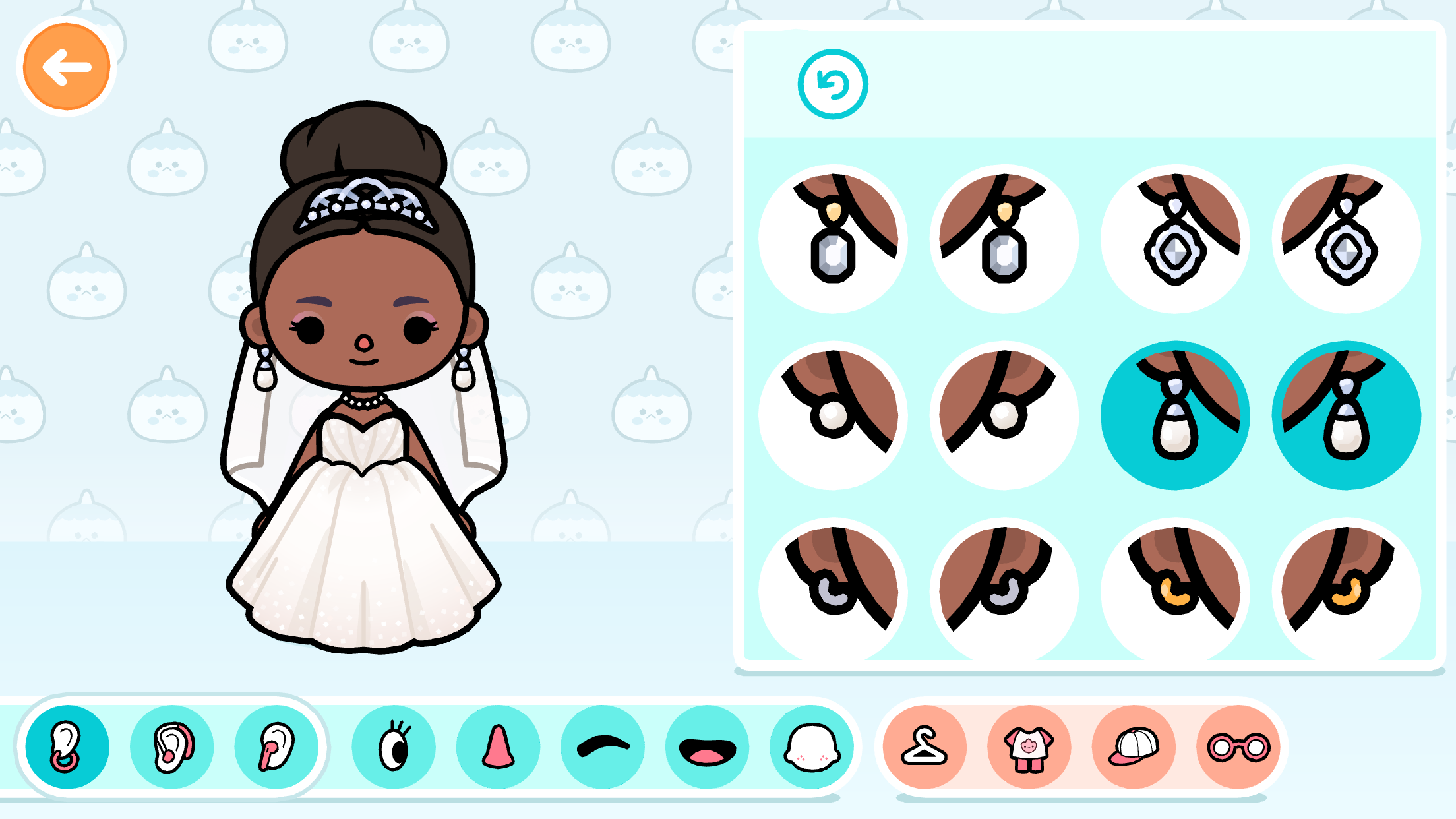
- 34 Pieces to use in Outfit Designer 💃
- 13 Outfits to use in Character Creator 👗
- 7 Head accessories 👑
- 9 Face and hair items 🧑
🛠️ Fixed in 1.135:
- General bug fixes and improvements 🛠️ ✨
- Elevators lets you travel between floors again 🛗
- Hair tufts are no longer showing through hats 🧢
- Yoga mats are not making the character discolored, or have them flying away 🧘
- In All Star Stadiums clothes stay on their assigned shelves again 🏟️
- Crashes in Character Creator has been fixed 💥
- Infinity loading screen has been fixed ⏰
- Several items have had their white outlines fixed so they show/doesn't show when intended
✨ New in earlier release:
In time for summer we're releasing a new purchasable location, the Country Manor! Here you can have summer parties, brunches and enjoy both indoor and outdoor activities!
It's available in the in-game shop now ✨
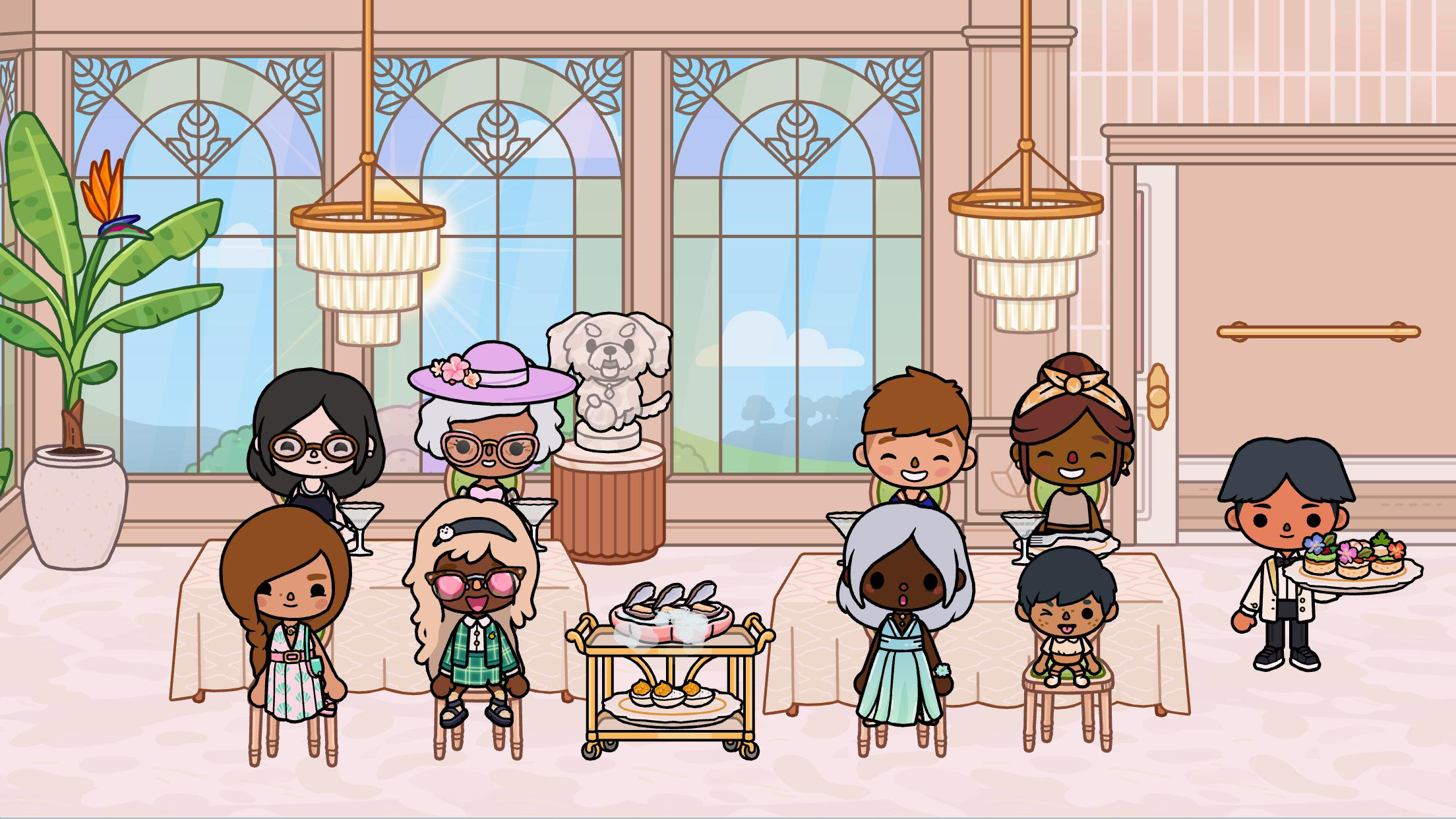
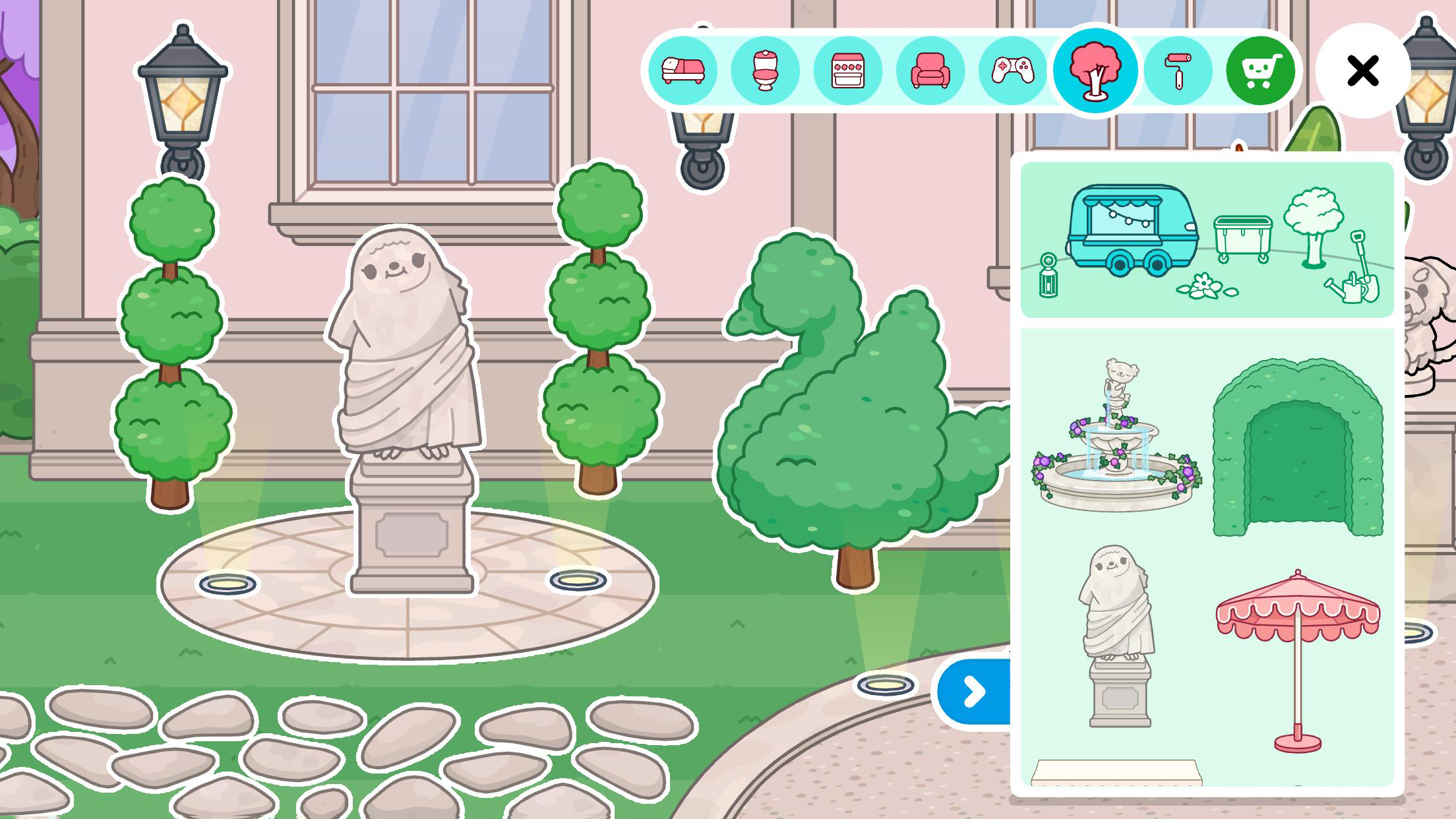
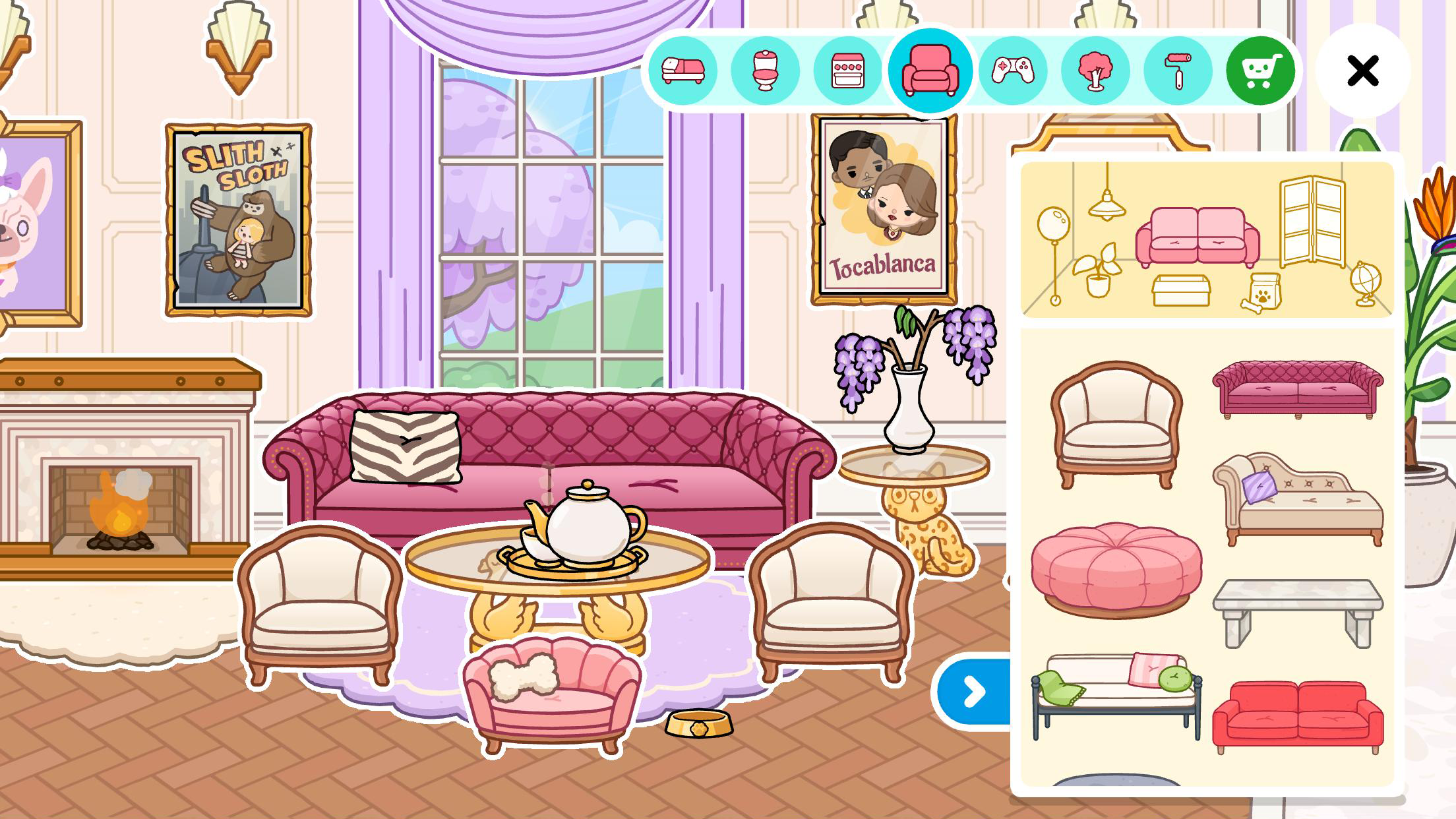
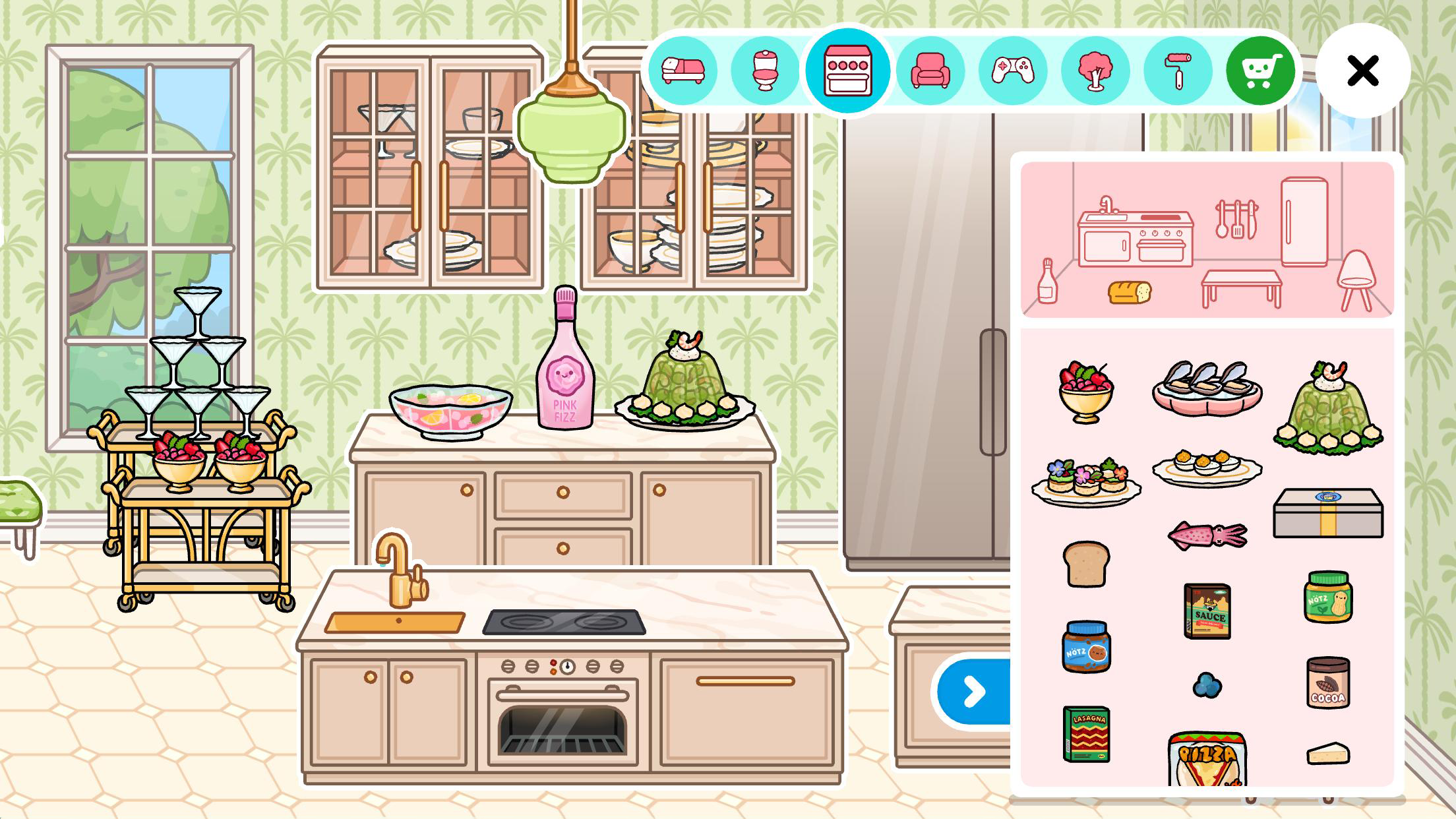
The Country Manor Location includes:
- Furniture: 61 🛋️
- Playable objects: 38
- Wall designs: 6
- Floor designs: 7
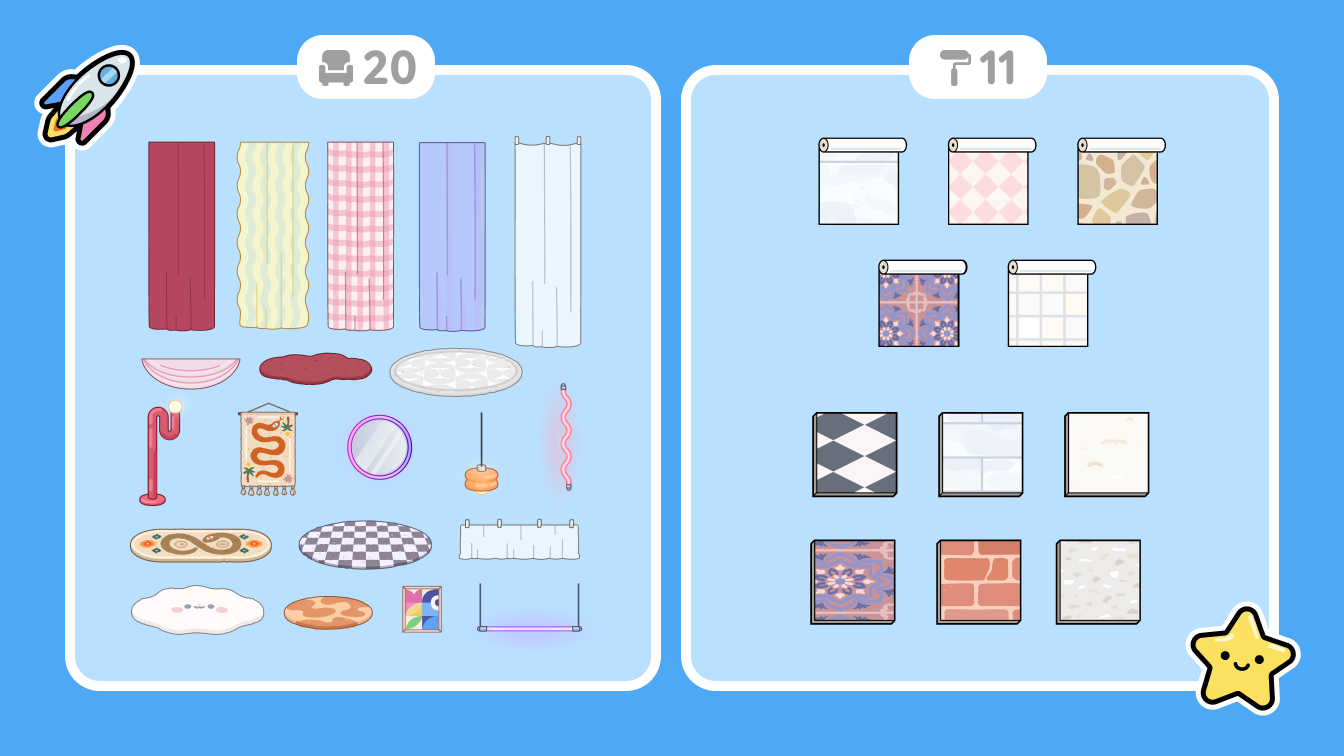
Free Home Designer items
All the content below should be waiting for you in the Home Designer furniture menu. Our normal signifiers of new items might not be there ✨ but look closely 🔍 and we're sure you'll find them!
🛠️ Fixed with earlier release:
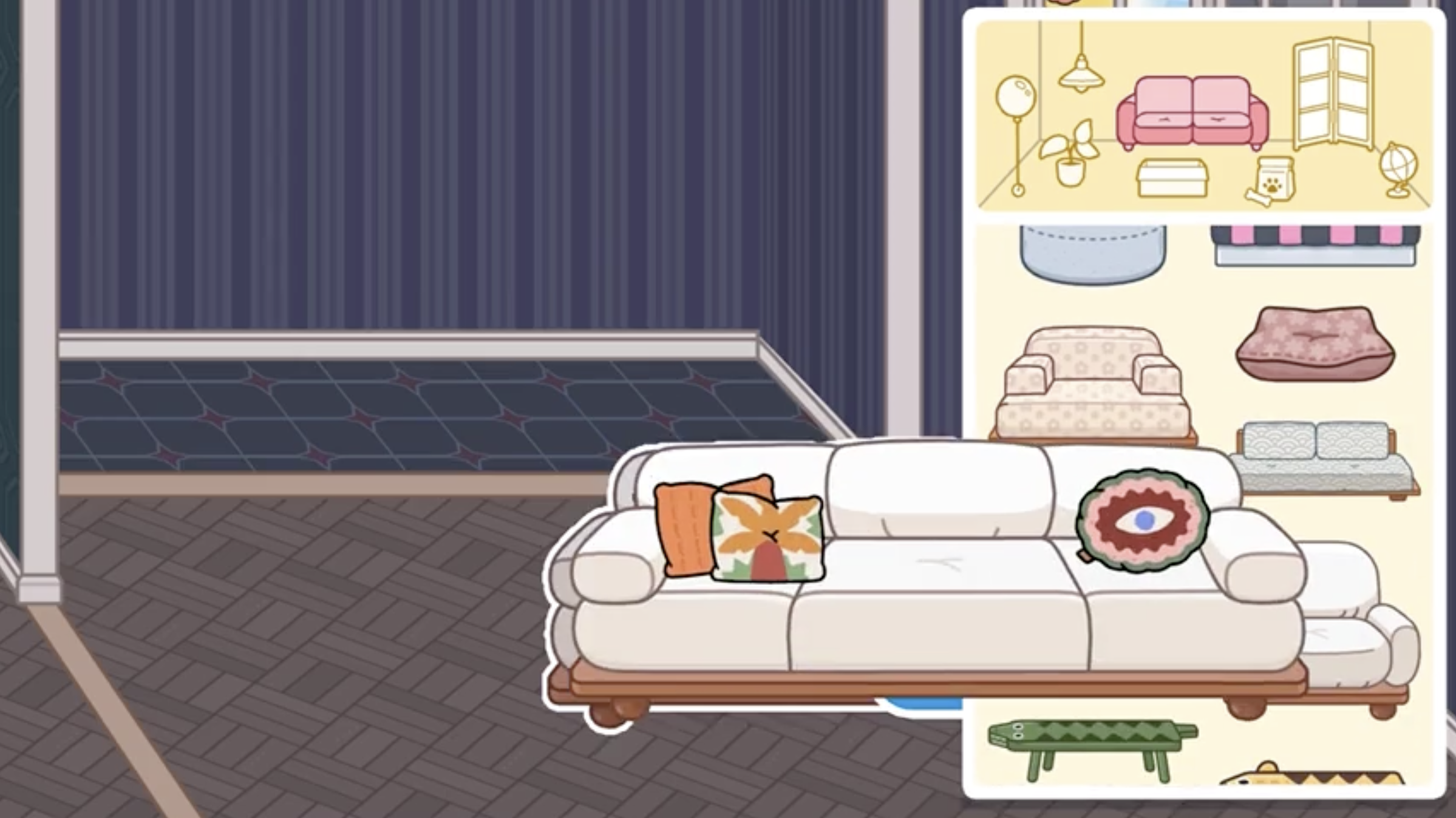
- The couch from Midtown Apartments no longer causes crashes of the game 🛋️
- Adult characters won't disappear if they are holding a baby and then gets turned into a baby themselves 👶
- Dance animation won't break the camera scrolling at the Voxella Stage 💃
- Ceiling furniture correctly hangs from the ceiling again 🪂
- Animation with gifts during the New Player Experience is now showing correctly 🎁
- General bug fixes and improvements 🛠️ ✨
- Memory improvements reducing crashes on iOS devices 💥
Live bugs & current issues reported
We know it's frustrating when something unexpected of confusing happens in the game, so below is a selection of links to known live issues (we are probably hard at work fixing 🛠️) and also some current issues and general issues that players can be affected by.
We hope that they help give you some information on the status of things, but if you need any assistance you can always click "Contact Us" below any article and one of our Support team will do their best to assist you ❤️
Crash when clicking play button on iOS devices
We're aware of an issue with some players experiencing a crash when clicking the play button. This seems to be limited to players who don't have access to the shop currently. This is now fixed in update 1.130 so make sure to update to that version if you are expereince this issue.
Bunched items in Home Designer Homes
Some players are reporting the items in their Home Designer homes all bunched and completely out of place. For more info on the possible cause of this and investigations related to this visit here
Characters Missing 🔍
Some players have reported their characters going missing. It could relate to some changes we needed to make to improve stability and you can read more about this here. If characters are not showing in the sidewalk at all, however, please reach out to our Support team by clicking "Contact Us" below.
Duplicate Post office items in homes after manually resetting
We're aware of some issues players are having with duplicate Post office items after manually resetting their game. We're investigating this issue. In the meantime, if this is occuring after you have just manually reset your game, then we would recommend a workaround of manually deleting/trashing the duplicate gifts and then resetting your game one more time as this should solve the issue. We'll be sure to update here once this issue is solved!
Character Expressions turning blush white
This time it's a bug using the Character Expressions turning blush white 😱 We're investigating this one and will be sure to fix it. In the meantime be sure to avoid using the Spooked or Frozen character expression on characters with blush on their cheeks 🥶
General Common issues
What devices can run Toca Boca World?
My Home Designer house is full!
My game just reset. What should I do?
I can't enter the shop - what should I do?
Purchase Issues / Purchased item not showing up
Restoring purchases and moving to a new device
I'm missing the gifts that I've claimed
If any of the links above don't help with your issue then please browse through our categories and other articles as there could be something to help you that isn't listed here.
If you need any further assistance for any of the above issues, then please be sure to click "Contact Us" below and one of our Support team will try and help you out!